How To Play Music from USB Flash Drive on iPhone with Evermusic and iXpand by SanDisk

TL;DR: Evermusic lets you play music directly from a SanDisk iXpand Flash Drive on your iPhone or iPad. Plug in the drive, open Evermusic, and start listening – no need to copy files to your device. Supports file management, playlists, equalizer, and AirPlay streaming.
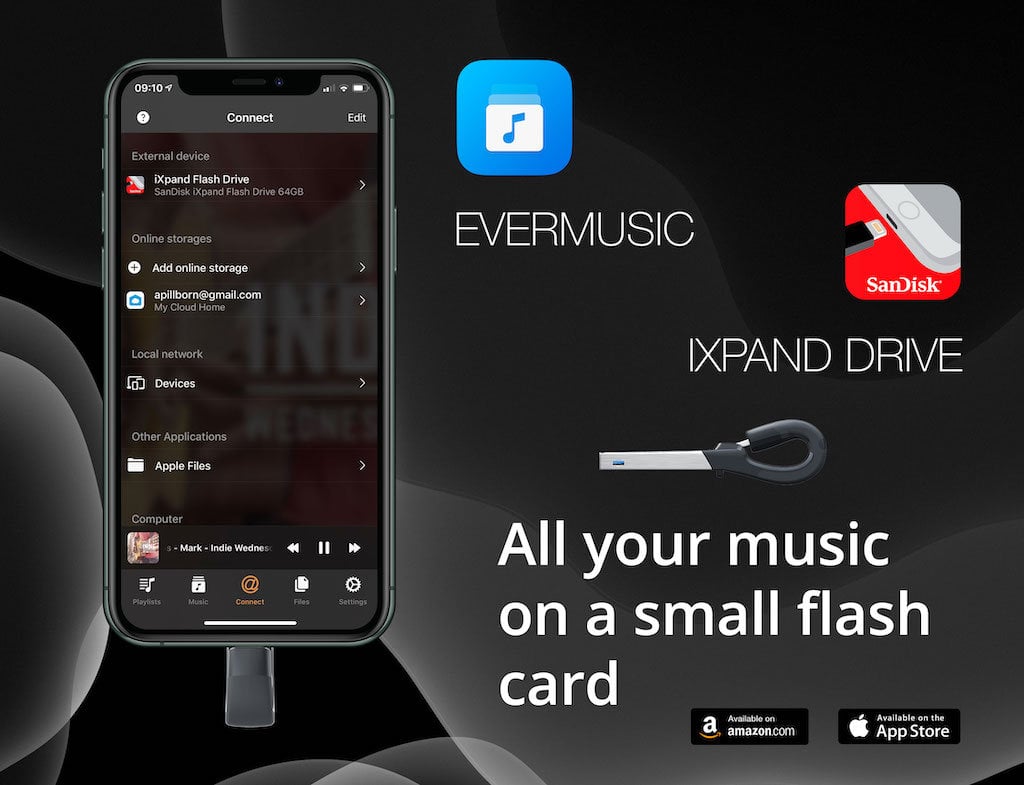
Are you tired of running out of space on your iPhone or iPad? With Evermusic, you can effortlessly listen to your music directly from a SanDisk iXpand Flash Drive and free up precious storage space for photos and other essential apps. Imagine saving up to 256 GB of space on your iPhone! The iXpand Flash Drive is a compact device with a lightning connector on one end and a standard USB connector on the other. You can easily transfer files between your home computer and iPhone.
Check iXpand Flash Drive
Currently, the app supports SanDisk Flash Drives with protocols iXpand V1, iXpand V2, iXpand V3, iXpand V6, iXpand V7. You can check if your iXpand Flash Drive is supported using the following steps:
- Connect the drive to the iOS device
- Open Settings
- Tap General
- Tap About
- Look for iXpand Flash Drive
- Tap Find App for Accessory
- The Evermusic app should be listed there
If your device is not supported, the only solution we can advise now is to use an old iXpand Drive device, for example, iXpand Mini Flash Drive or use Apple adapter and connect iXpand flash drive using that adapter like a normal USB drive.
If you have a supported device:
Connect iXpand Flash Drive
Plug the iXpand Flash Drive into your iPhone or iPad’s lightning port. Then, open the Evermusic app.
Navigate to Connections Tab
In Evermusic, head to the ‘Connections’ tab. You’ll notice the attached flash drive at the top of the screen in the ‘Connected accessories’ section.
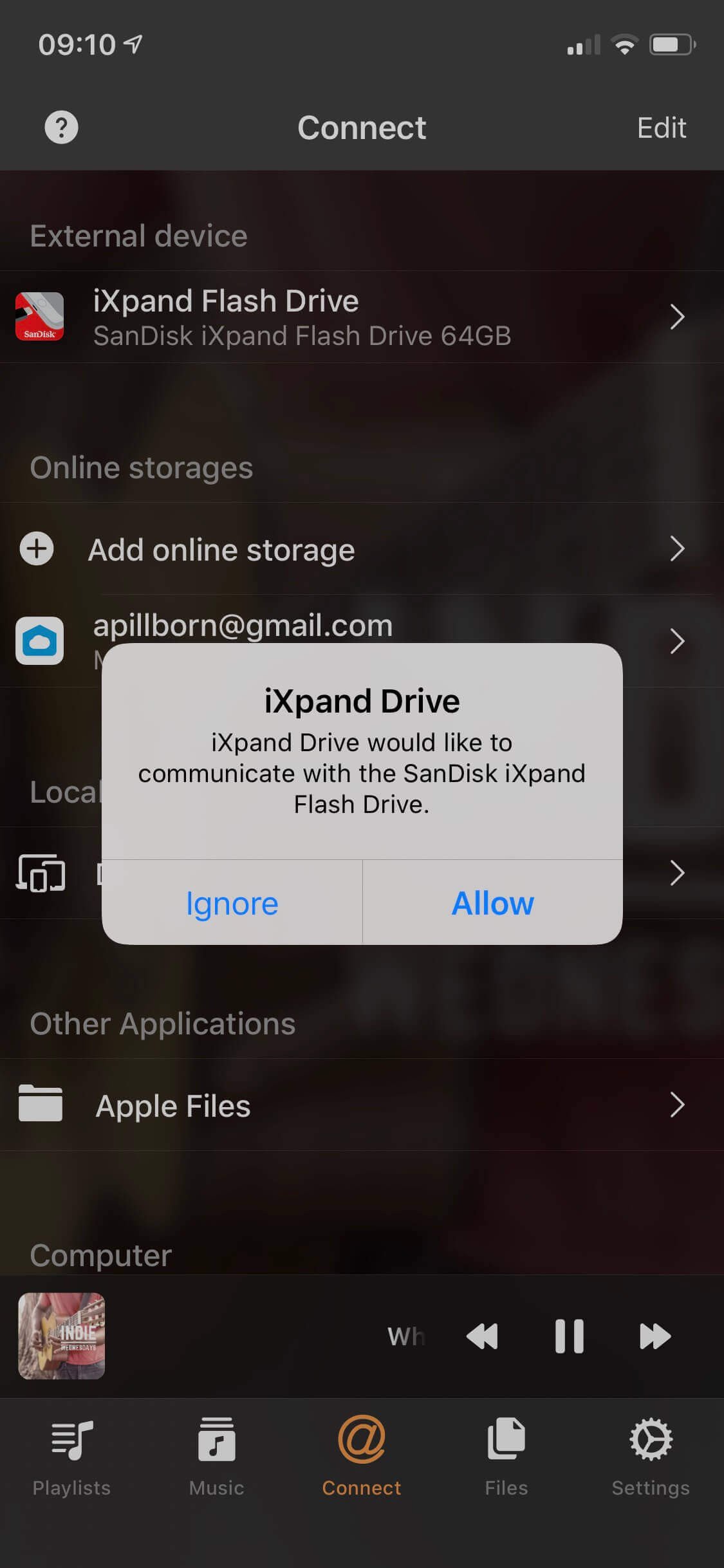
Access Your Music
Open the iXpand Flash Drive by tapping on the SanDisk icon. Here, you’ll see all available folders and the total size of content displayed at the top of the screen. If other apps are currently using your drive and causing it to be in a busy state, you may receive a warning message. In such cases, simply close the other apps using your flash drive or unplug it and plug it back in.
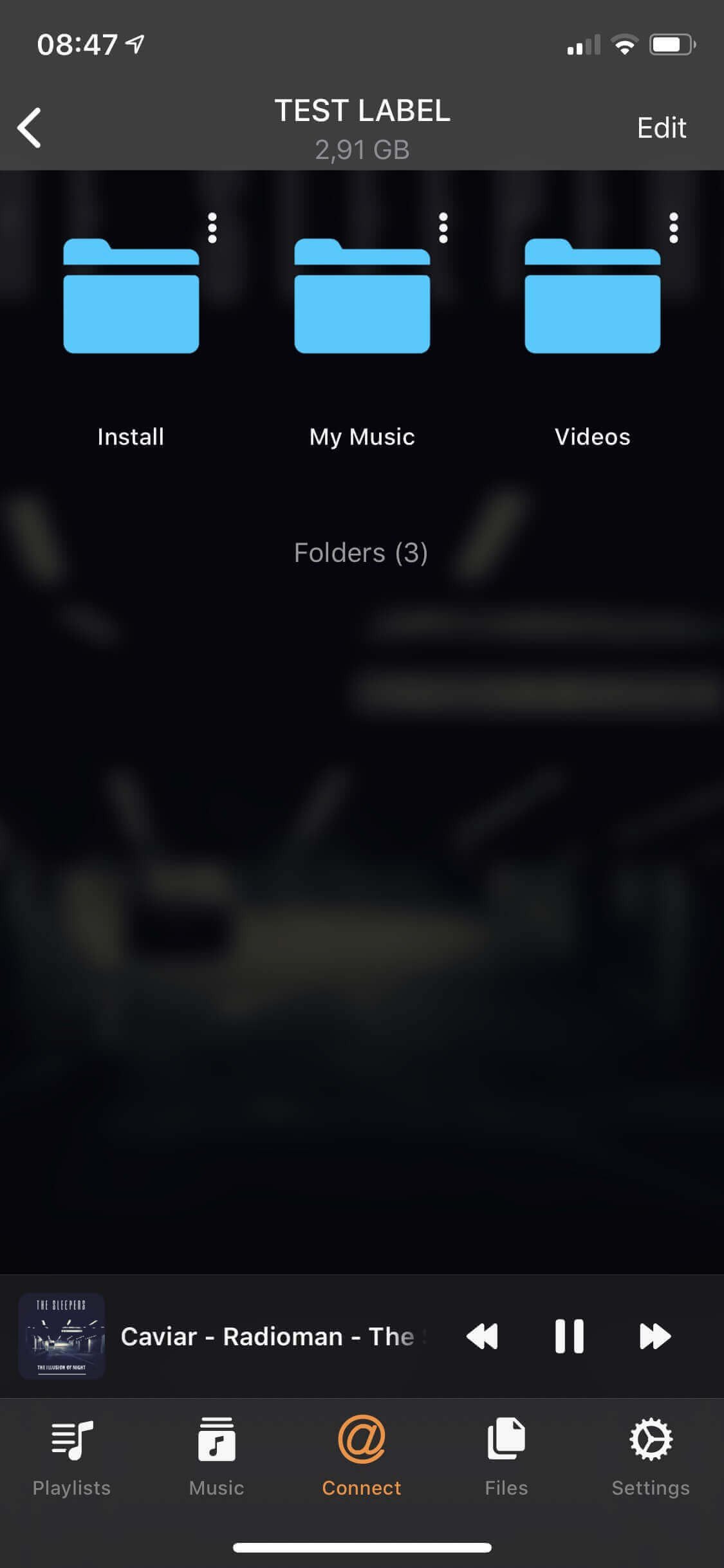
File Management
Evermusic serves as a file manager, allowing you to perform basic operations like MOVE, DELETE, RENAME, and CREATE NEW FOLDER with your files.
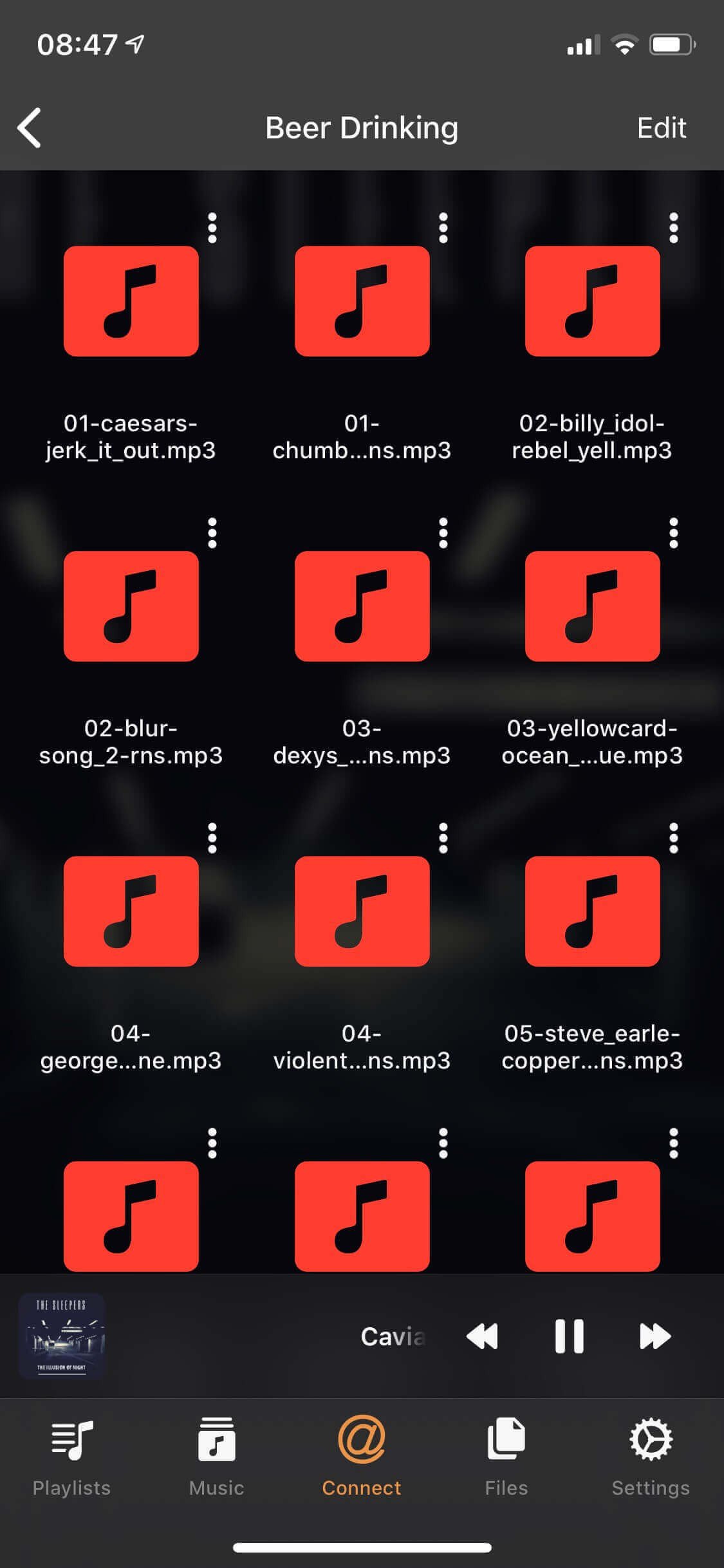
Playback Your Music
Once you’ve opened a folder with music, all available audio files will be visible. Simply tap on any file to start playback. You can even enable the equalizer on the player screen or stream audio content to AirPlay devices such as Sonos, Apple TV, or Google Chromecast.

But Evermusic is more than just a file manager and audio player for your iXpand Flash Drive. The app also creates a Music Library where all your tracks are thoughtfully organized by Artist, Album, and Genre. You can create playlists and change the order of tracks in the audio player queue.

Copy To Device
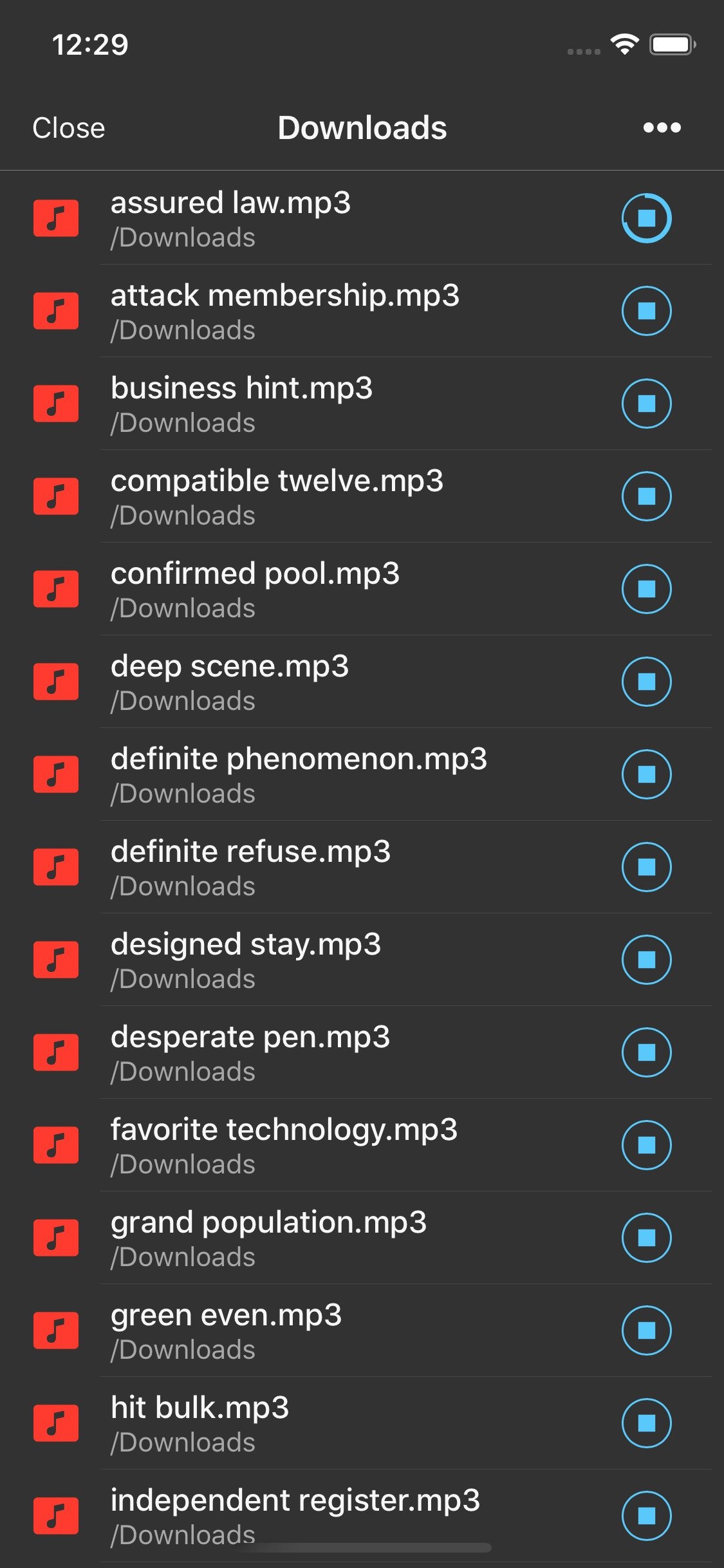
Of course, if you ever want to copy audio files from your flash drive to your iPhone’s memory, Evermusic makes it a breeze.
Conclusion
With Evermusic and the SanDisk iXpand Flash Drive, you’ll have the freedom to enjoy your music collection without worrying about storage limitations. To learn more about Evermusic, visit link. To discover more about the iXpand by SanDisk, check out link. Say goodbye to storage woes and hello to your music on the go!