How to connect Bluesound Vault's internal storage from the Evermusic, Flacbox, Evertag

TL;DR: Connect to your Bluesound VAULT’s internal storage via SMB using Evermusic, Flacbox, or Evertag. Find the VAULT’s IP address in the BluOS app, enter it as an SMB connection with guest access, and start playing or managing your music files.
Bluesound VAULT has an internal hard drive and acts as a Network Attached Storage (NAS). Accessing the VAULT’s internal hard drive allows you to add/delete files, edit metadata tags from our apps Evermusic, Flacbox, Evertag.
Following are the steps to access your VAULT’s internal hard drive:
-
In the BluOS App, select Help > Diagnostics.
-
From the Diagnostics page, obtain the IP Address of the VAULT. This IP Address will be used in next steps.
-
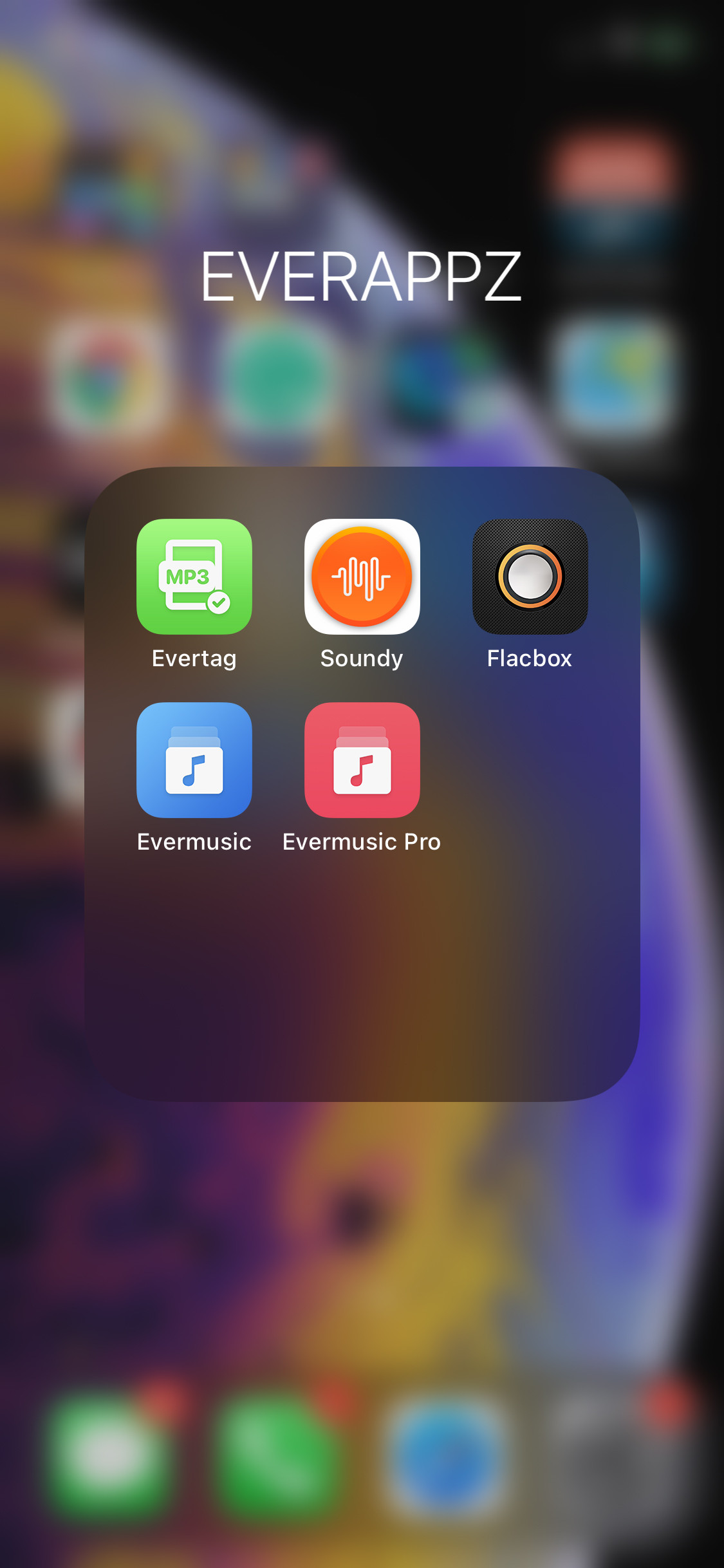
Open Evermusic, Flacbox or Evertag.
-
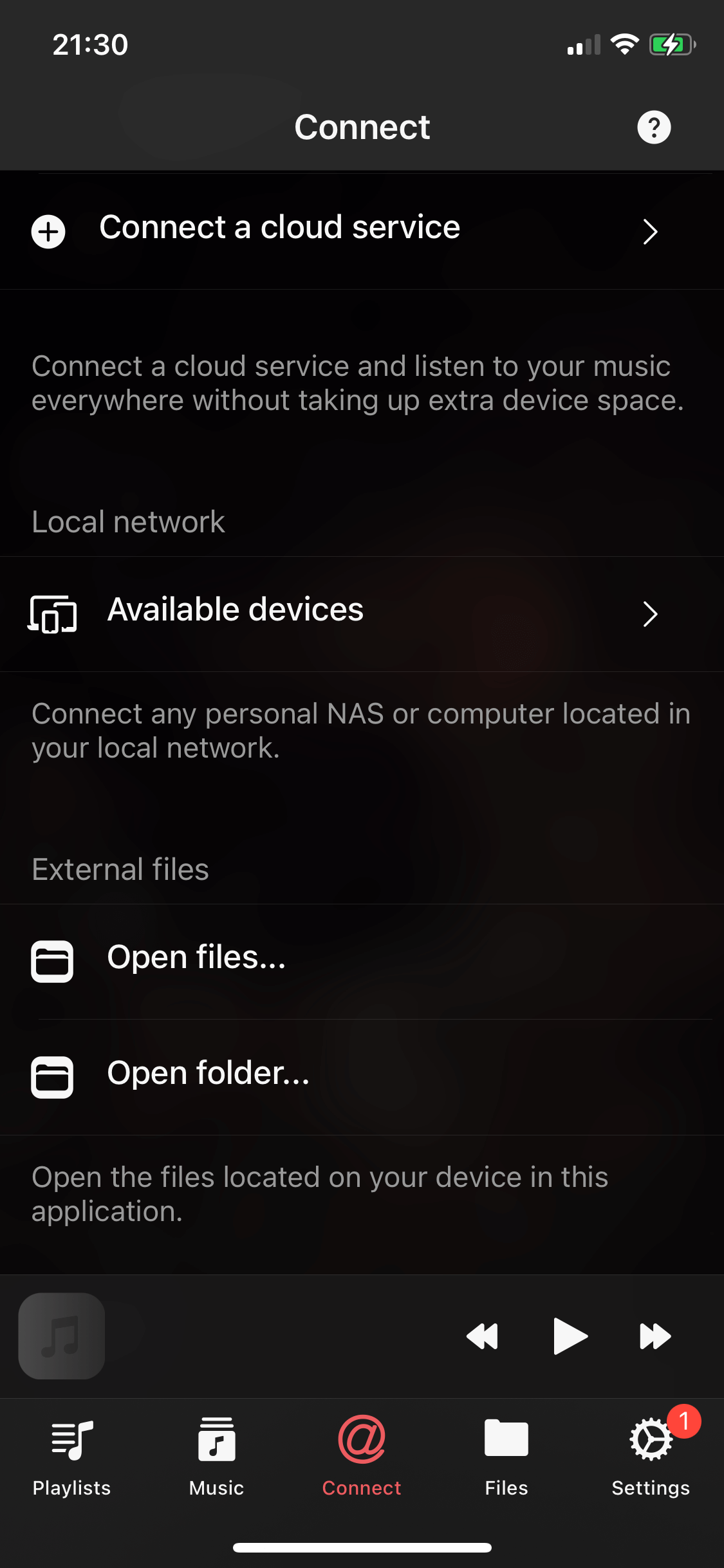
Open the “Connections” screen and select the “Connect a cloud service” menu item.
-
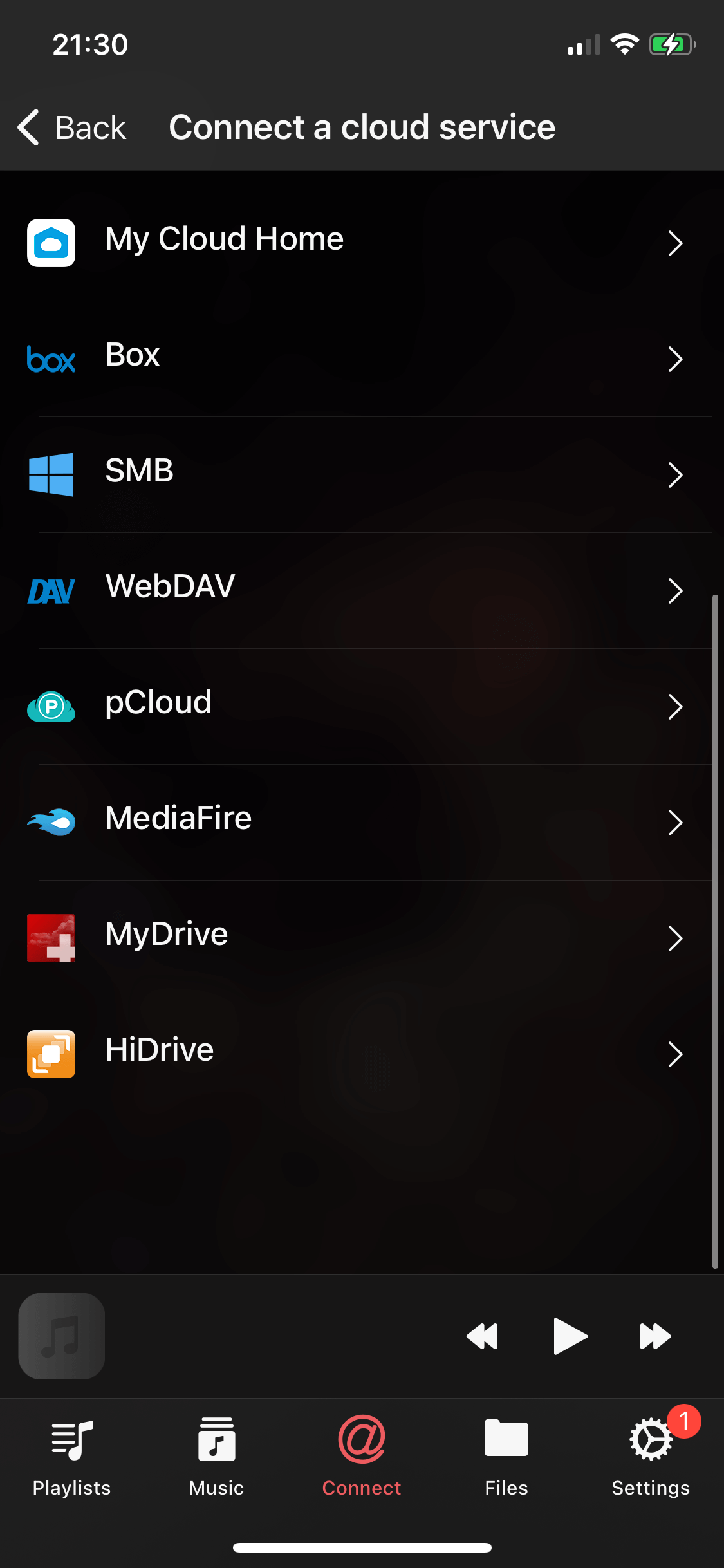
Select “SMB” cloud service.
-
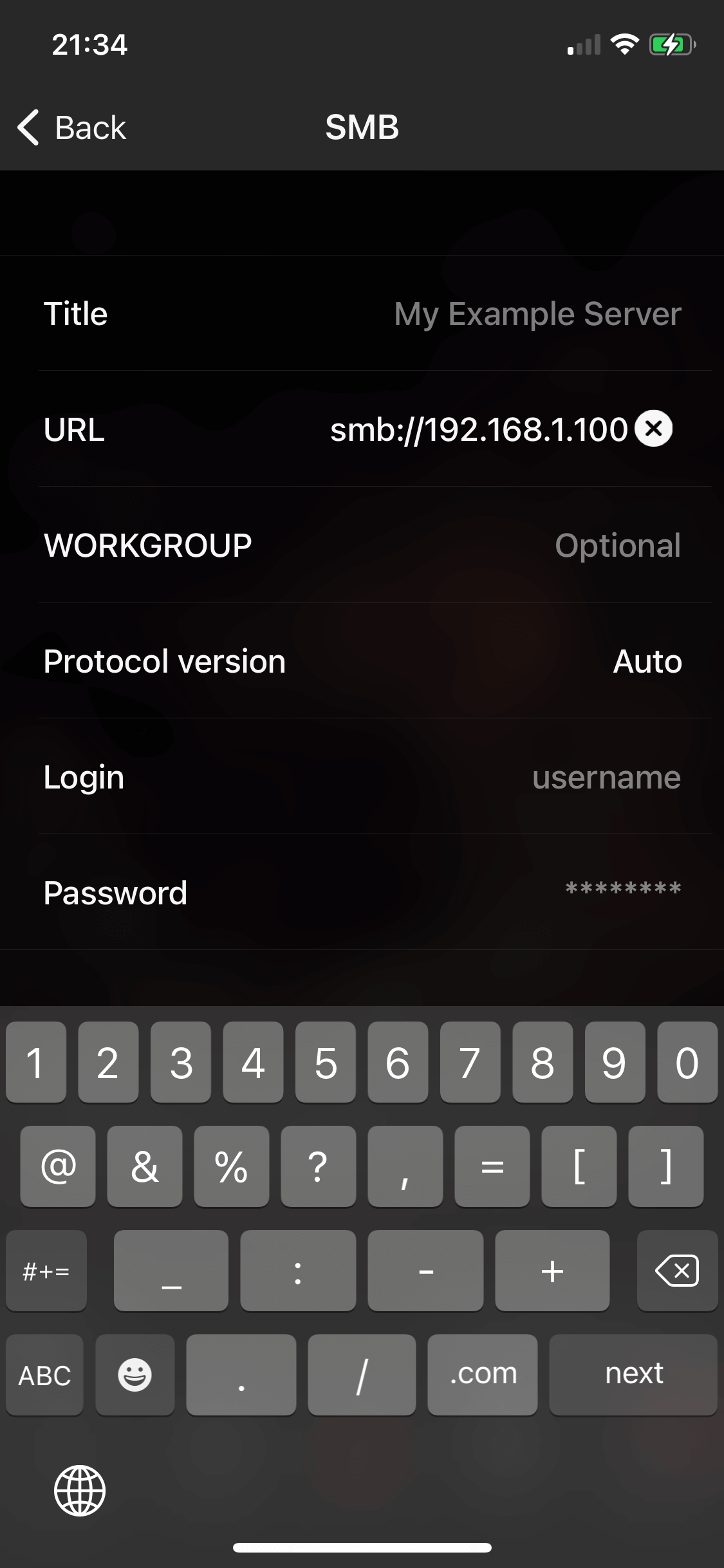
On the “SMB Configuration screen” enter URL in the following format:
SMB://<<VAULT-IP>>Replace
<<VAULT-IP>>with the IP Address obtained in Step 2.Note: Leave Login and Password fields blank because VAULT Storage supports GUEST mode.
-
Tap the “Sign in” button to save the configuration.
-
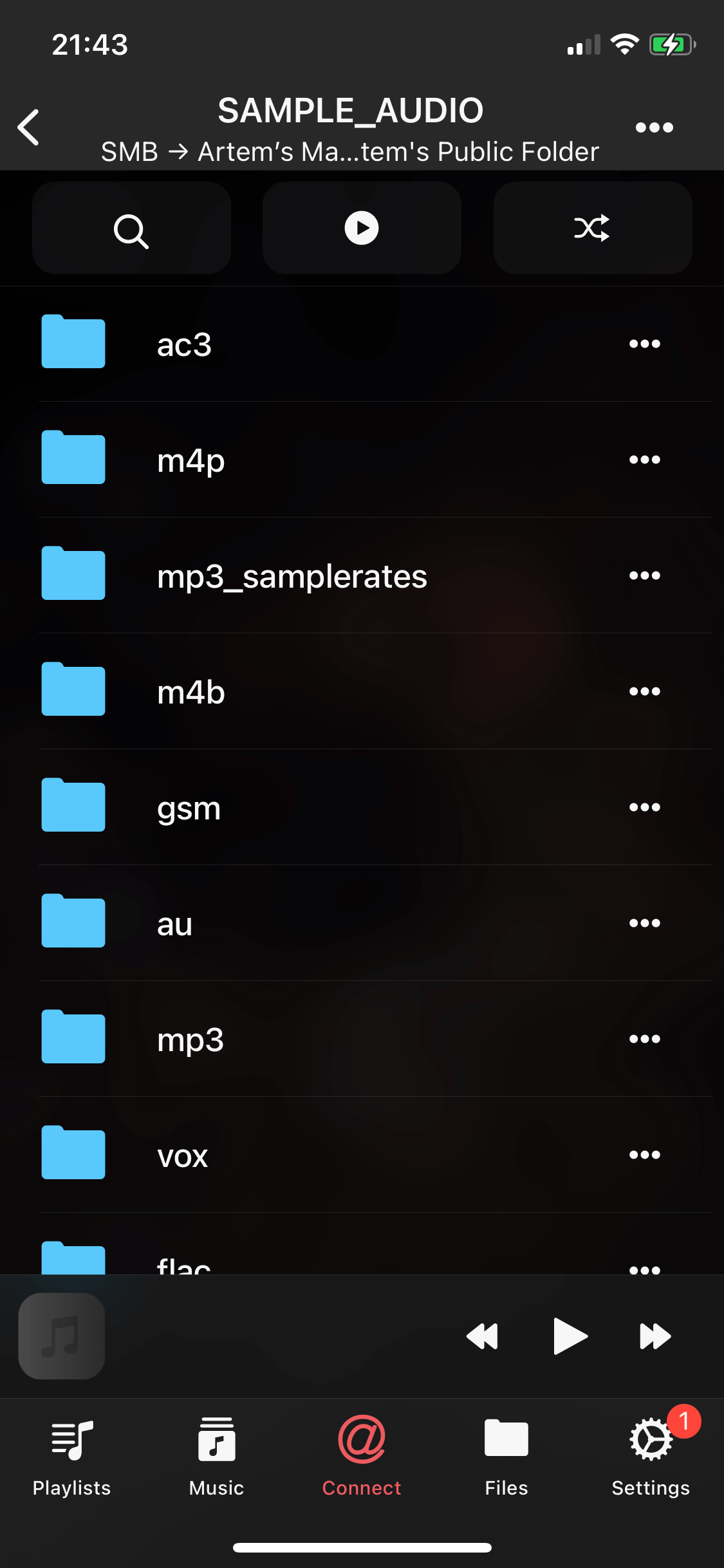
Open connected cloud storage and navigate inside the folder with audio files and tap any file to start the audio player.
-
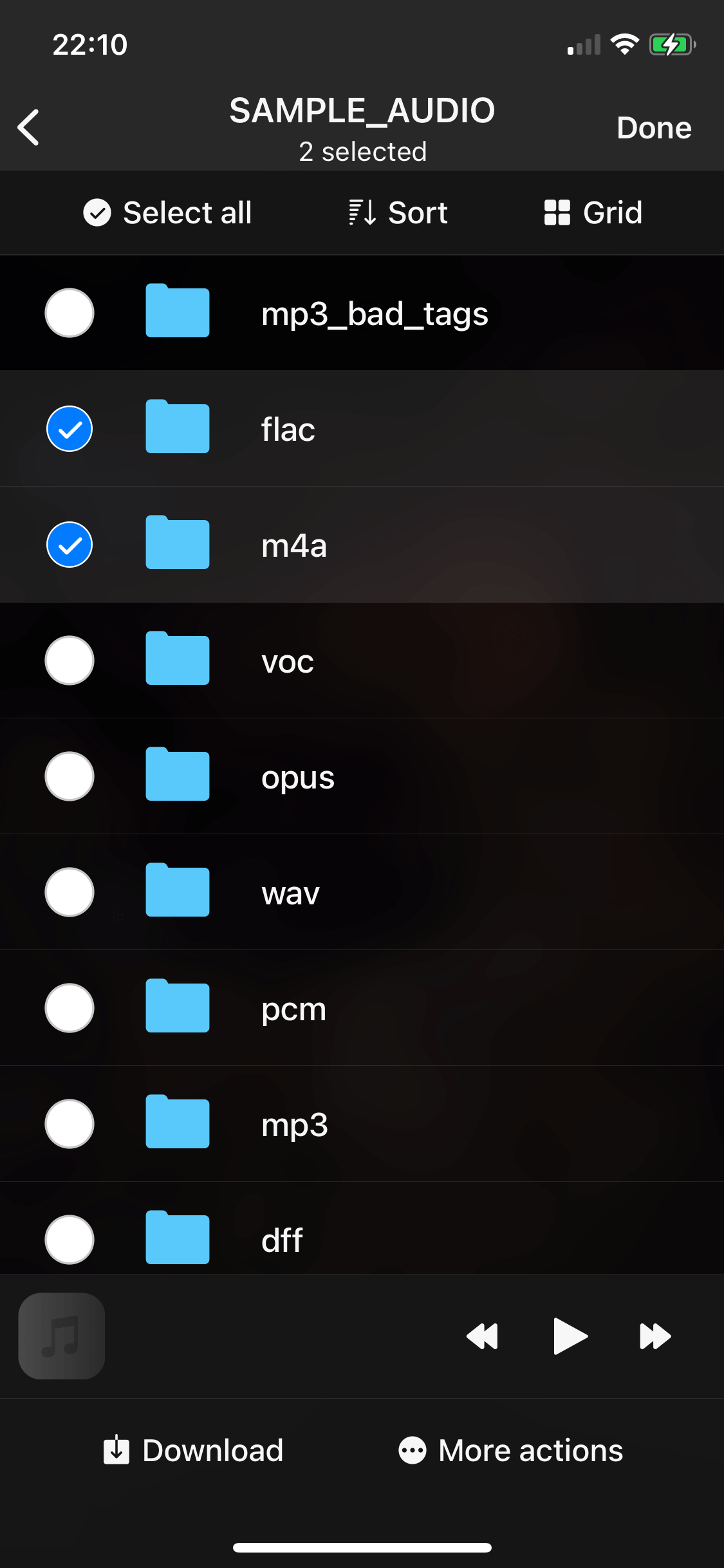
You can also edit files using the built-in file manager.
With these straightforward steps, you can effortlessly access your Bluesound VAULT’s internal hard drive and take control of your music library using Evermusic, Flacbox, or Evertag.