How to Record Video While Playing Music on iPhone

How to Record Video While Playing Music on iPhone

Artem Meleshko
Artem Meleshko Co-Founder & iOS Engineer at Everappz

TL;DR: Set Evermusic’s audio output to “Mixed mode,” start playing a track, then open your Camera app and record. The music keeps playing in the background. Works with TikTok, Instagram, and any camera app.

We’ve just let you know a little trick that allows you to play music in the background while recording video on your iPhone. You may find this useful next time you decide to create a new cool video for TikTok.

Download the App

Open App Store and search for the app called Evermusic. Download it for free.
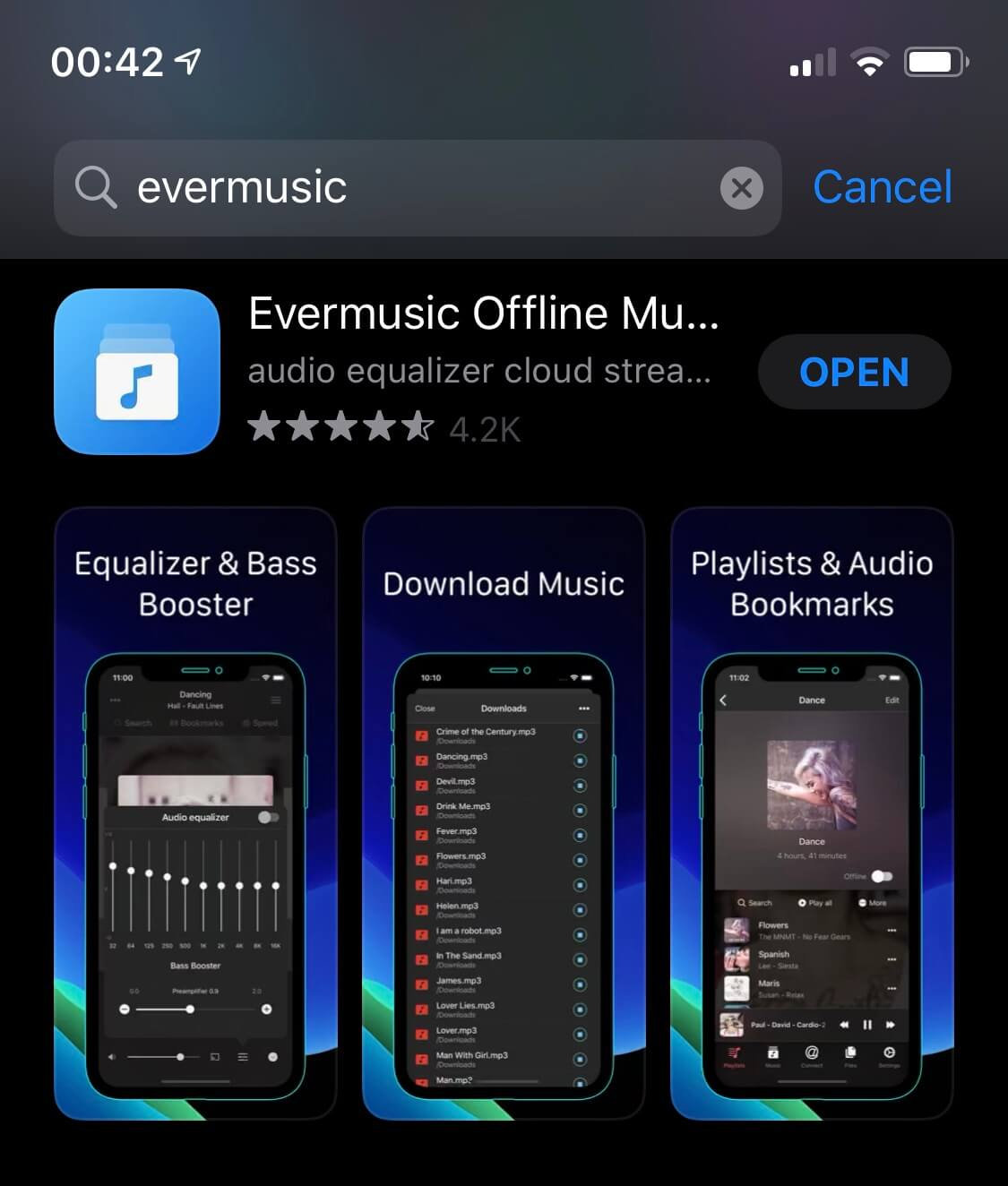
Evermusic on App Store

Import Music

Add some music using WiFi Drive, iTunes file sharing or import existing music on your iPhone.
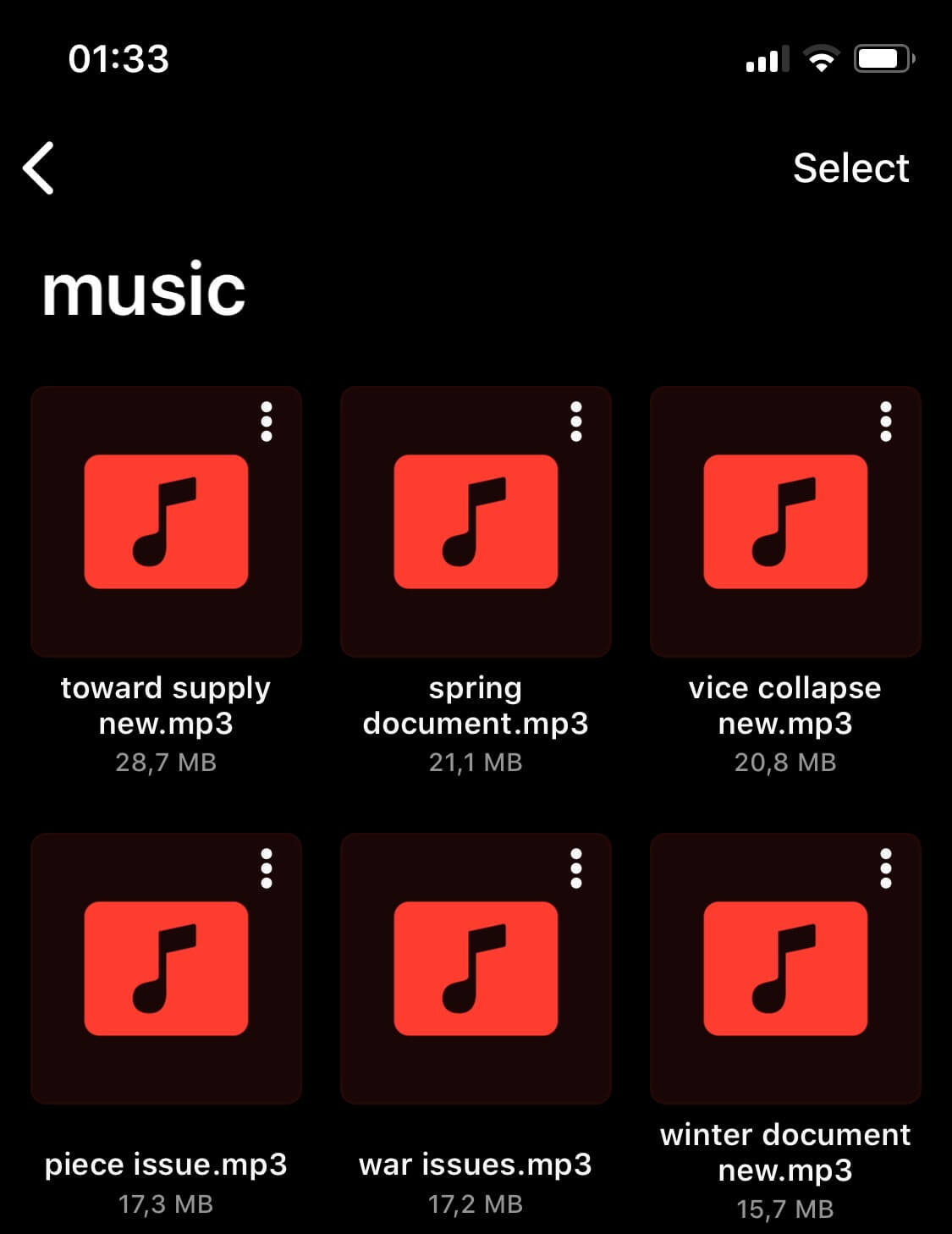
Add Music to Evermusic

Change Audio Output Mode

Open app “Settings” - “Audio Player” - “General” - “Audio Output mode” and change it to “Mixed mode”.
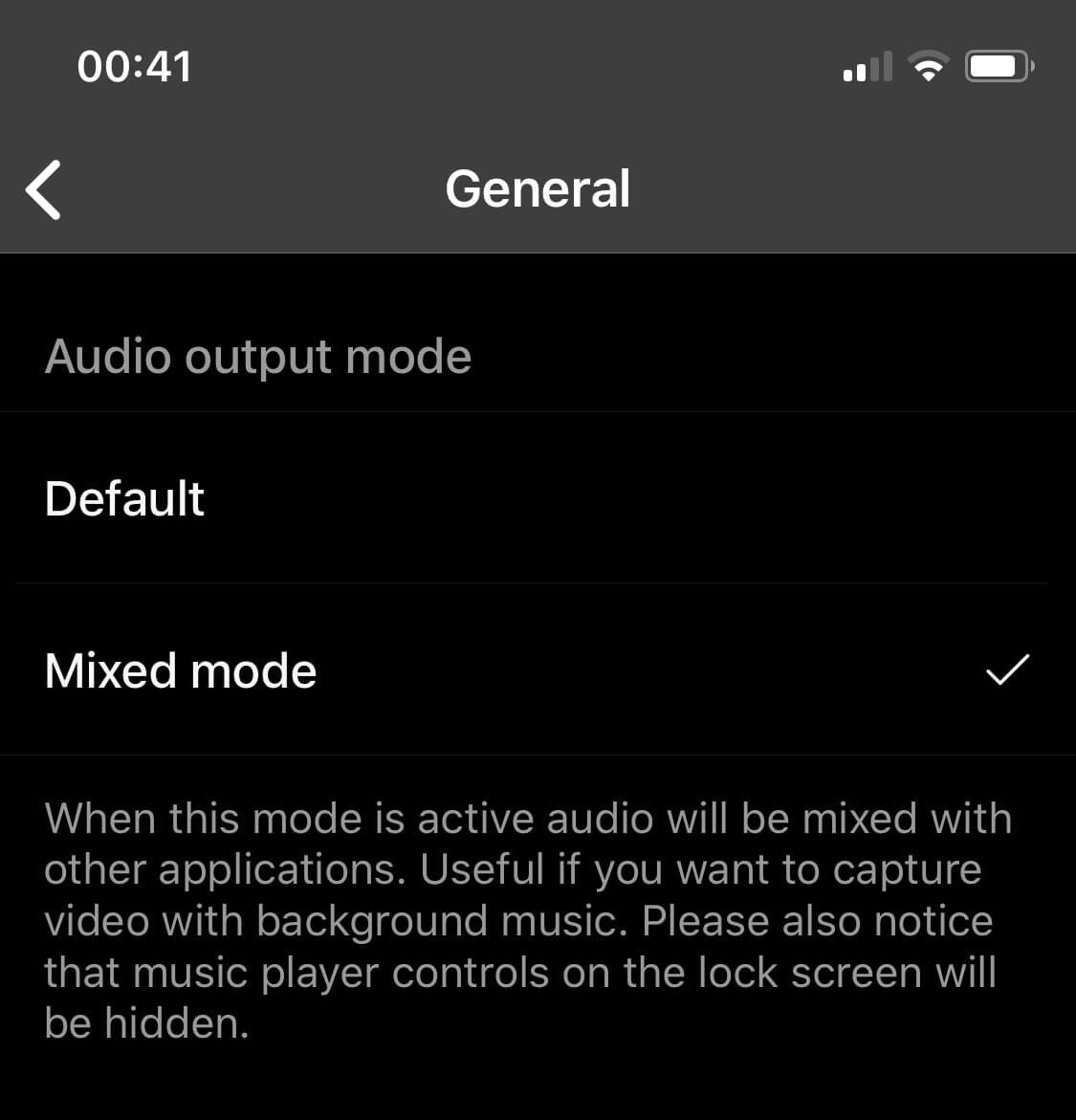
Audio Output Mode - Mixed

Start Player

Start the audio player by tapping on any track in the app.

Evermusic Audio Player

Open Camera App

Open camera app or any other application and start recording.
This trick works on every iPhone.

iPhone Camera While Playing Music

Frequently Asked Questions

Does the background music get recorded into the video?
The music plays through the iPhone speaker, so the microphone will pick it up along with other ambient sound. For cleaner audio, consider using an external speaker placed near the microphone.
Does this work with TikTok and Instagram?
Yes. Once Evermusic is set to Mixed mode and a track is playing, the music continues when you open TikTok, Instagram, or any other camera or recording app.
What is Mixed mode in Evermusic?
Mixed mode is an audio output setting that allows Evermusic to share the audio session with other apps. This prevents the music from stopping when another app accesses the microphone or camera.
Can I use Flacbox instead of Evermusic for this?
Yes. Flacbox also supports Mixed audio output mode. The steps are the same: enable Mixed mode in Settings, start playback, and open your camera app.
Can I play a game while music from Evermusic plays in the background?
Yes. With Mixed mode enabled, music from Evermusic continues playing when you open any game or app. Both the game audio and your music will play at the same time.
Last updated on