Play Lossless FLAC and DSD on iPhone and Mac with Flacbox

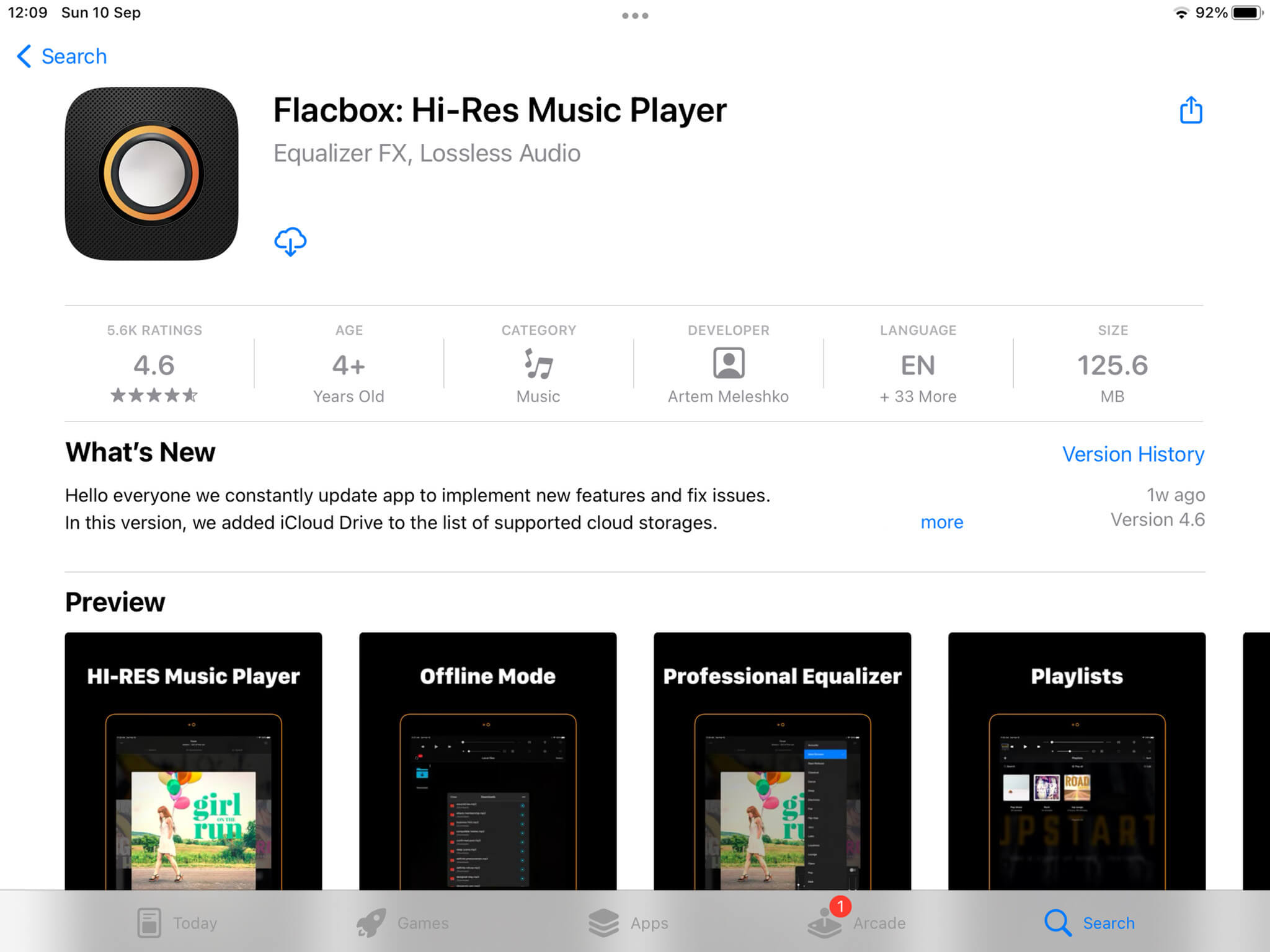
TL;DR: Install Flacbox from the App Store to play FLAC, DSD, ALAC, and 120+ other audio formats on iPhone and Mac. Import files via iTunes File Sharing, Wi-Fi Drive, or cloud storage. No file conversion needed. Flacbox decodes lossless formats natively for full studio-quality playback.
With over 1 million downloads and a 4.6-star rating, Flacbox is one of the most trusted audio players in the Apple ecosystem. It supports both lossless and lossy formats, giving you the freedom to play virtually any music file you own on iPhone, iPad, or Mac.
What Is Lossless Audio?
Lossless audio preserves every detail from the original studio recording. Unlike MP3 and AAC, which discard parts of the audio signal to reduce file size, lossless compression retains the complete waveform. The decoded output is bit-for-bit identical to the source.
Key differences between lossless and lossy audio:
- Dynamic range: Lossless preserves the full range from quiet to loud passages
- Stereo imaging: Spatial positioning of instruments remains accurate
- Detail: Subtle textures in acoustic instruments, vocals, and orchestral recordings are retained
Common lossless formats and their resolutions:
- FLAC / ALAC: CD-quality at 16-bit/44.1 kHz, hi-res up to 24-bit/192 kHz and beyond
- DSD: Uses extremely high sample rates (DSD64, DSD128, DSD256), originally developed for Super Audio CD
- WAV / AIFF: Uncompressed lossless audio
How to Play FLAC Files on iPhone
Apple’s built-in Music app does not support FLAC. Flacbox provides a native FLAC decoder that runs directly on your device.
After downloading from the App Store, import files using any of these methods:
- iTunes File Sharing — drag files from Finder on Mac
- Wi-Fi Drive — upload from any browser on the same network
- Cloud storage — connect Google Drive, Dropbox, iCloud, WebDAV, and more
- External drives — connect via Lightning or USB-C adapter
Flacbox automatically scans metadata and organizes your library by album, artist, and genre. It caches tracks locally for offline playback, so your lossless library works without an internet connection.
Supported Audio Formats
Flacbox supports over 120 audio formats. Here are the most common:
| Format | Type | Max Resolution | Flacbox Support |
|---|---|---|---|
| FLAC | Lossless | 32-bit / 384 kHz | Yes |
| DSD | Lossless | DSD64 / DSD128 / DSD256 | Yes |
| ALAC | Lossless | 32-bit / 384 kHz | Yes |
| APE | Lossless | 24-bit / 192 kHz | Yes |
| WAV | Lossless | 32-bit / 384 kHz | Yes |
| AIFF | Lossless | 32-bit / 384 kHz | Yes |
| OPUS | Lossy | 48 kHz | Yes |
| MP3 | Lossy | 320 kbps / 48 kHz | Yes |
| AAC | Lossy | 320 kbps / 96 kHz | Yes |
| OGG | Lossy | 500 kbps / 192 kHz | Yes |
No file conversion needed. Flacbox handles DSD64, DSD128, and DSD256 natively, making it one of the few mobile players capable of true DSD playback.
Getting Started on iOS
- Download Flacbox from the App Store
- Open the sources menu and choose an import method (iTunes File Sharing, Wi-Fi Drive, or cloud storage)
- Flacbox reads embedded tags and cover art automatically
- Browse your library by album, artist, genre, or folder structure
- Create playlists, edit metadata, and mark favorites
Cloud services supported: Google Drive, Dropbox, OneDrive, pCloud, MEGA, iCloud, and others.
Setting Up Flacbox on Mac
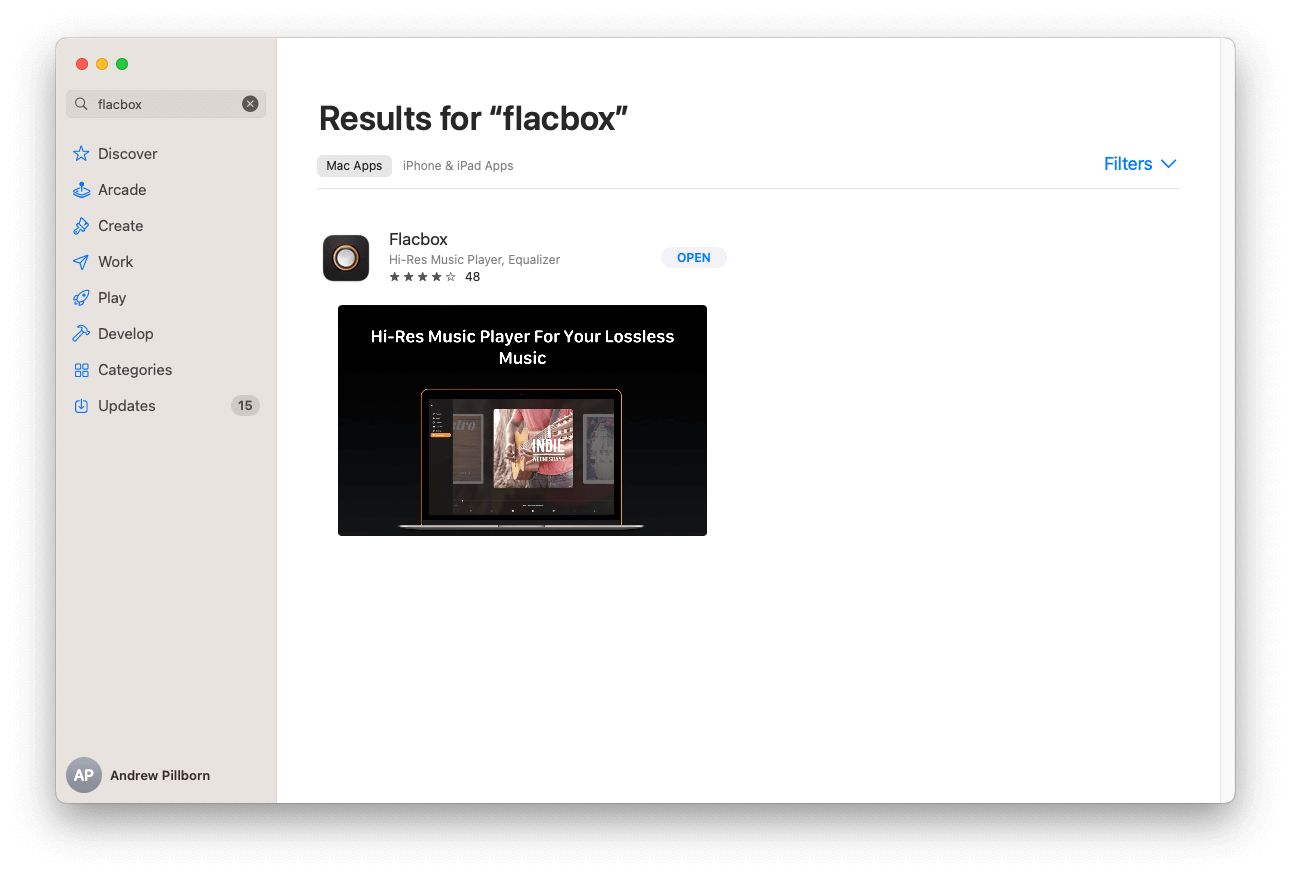
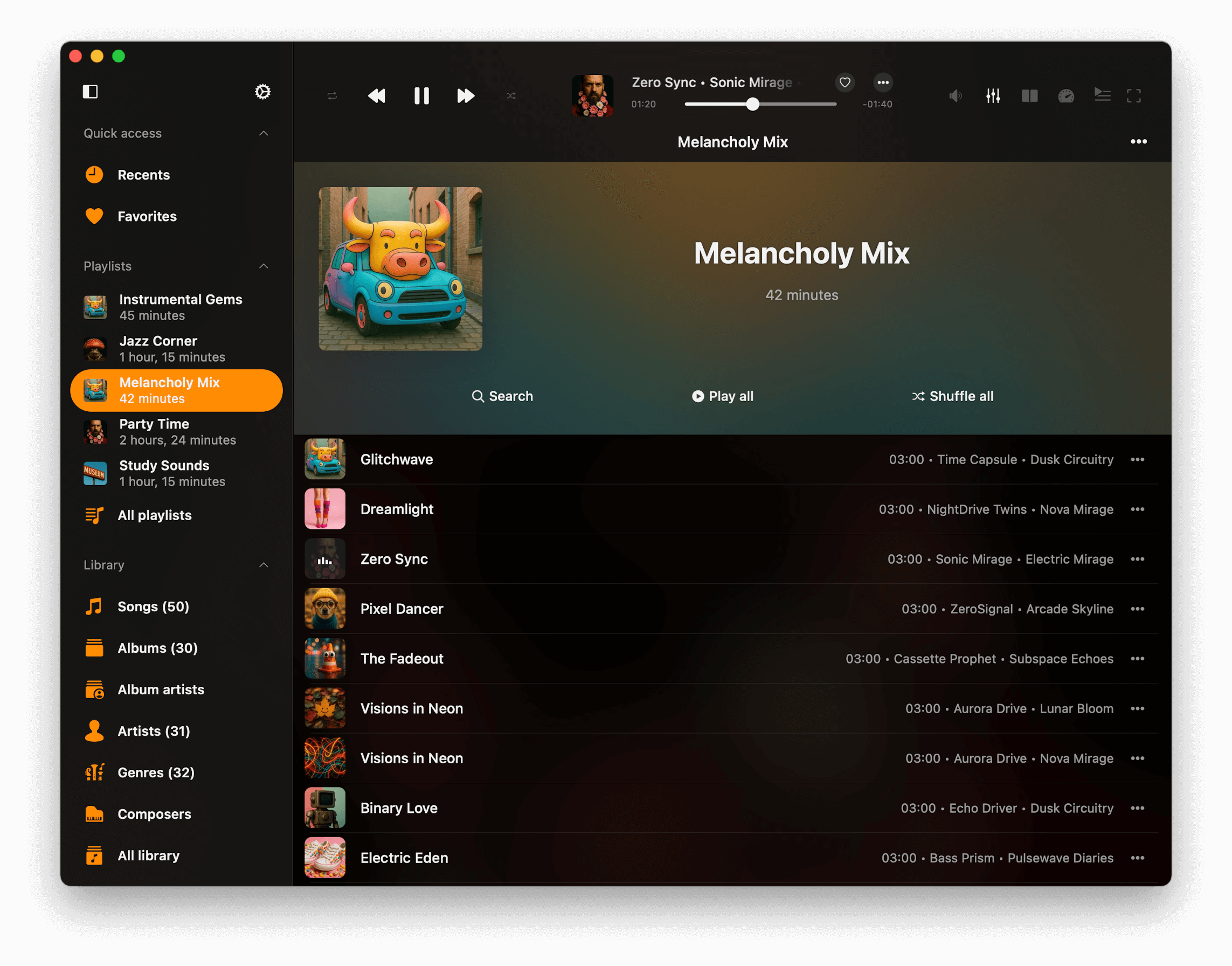
Download Flacbox from the Mac App Store. The macOS version offers the same playback quality as iOS.
- Add local folders, external drives, or network locations
- Flacbox indexes all supported audio files automatically
- Connect to NAS or home servers via SMB, WebDAV, and DLNA
- Use the 10-band equalizer with customizable presets
- Gapless playback for live albums and continuous mixes
- High-resolution output through external USB or Thunderbolt DACs
Why Choose Flacbox for Apple Devices
- 10-band equalizer with precise tonal control and custom presets
- Native DSD decoding (DSD64, DSD128, DSD256) without third-party tools
- Cross-platform sync between iOS and macOS for playlists and settings
- Cloud integration with iCloud, pCloud, HiDrive, MEGA, Synology, DLNA, and SMB
- Offline caching for fast access to downloaded tracks
- Built-in tag editor for metadata and album artwork management
- 1 million+ downloads and 4.6-star App Store rating
Tips for Better Lossless Playback
- Use a dedicated DAC: USB-C and Lightning DAC adapters bypass your device’s built-in converter for better output quality
- Use wired headphones: Bluetooth compresses audio, reducing the benefit of lossless files
- Adjust the equalizer: Tune the 10-band EQ to match your headphones or speakers
- Organize metadata: Accurate tags and consistent folder structures make large libraries easier to navigate
- Choose hi-res files: 24-bit/96 kHz or higher provides maximum detail
- Stable network for NAS streaming: Use wired Ethernet or strong Wi-Fi to avoid buffering with large DSD or hi-res FLAC files