Play Music from Dropbox on Your iPhone When You Are Offline

TL;DR: Upload your music to Dropbox, install the free Evermusic app on your iPhone, connect your Dropbox account, and play or download your tracks for offline listening. Evermusic supports MP3, FLAC, WAV, AAC, and more. It includes a 10-band equalizer, playlists, and file management.
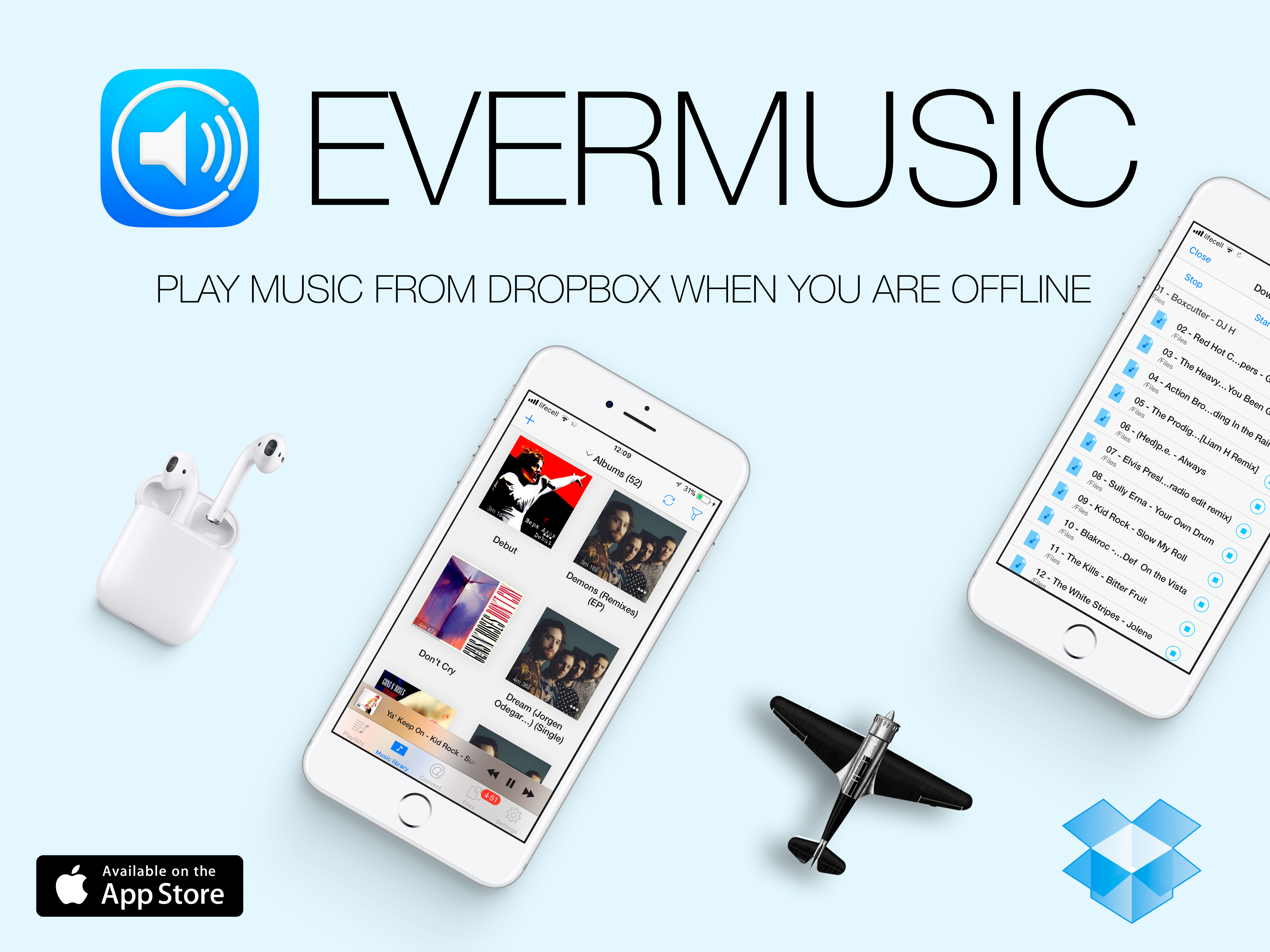
Dropbox is a fantastic cloud storage solution, and it’s not just for office files. You can also upload and store your audio content, making it a versatile option for music lovers. Imagine having your meticulously ripped CDs transformed into a vast music library, ready to accompany you wherever you go. With Evermusic, you can turn this dream into a reality.
Evermusic is your all-in-one music player, streamer, downloader, and playlists manager. It empowers you to connect any cloud storage with your audio tracks, providing a seamless music experience akin to your native Music app. Here’s how to unlock the potential of Evermusic and free up valuable space on your device by moving your music to the cloud.
Move Your Music to the Cloud
Upload Your Music
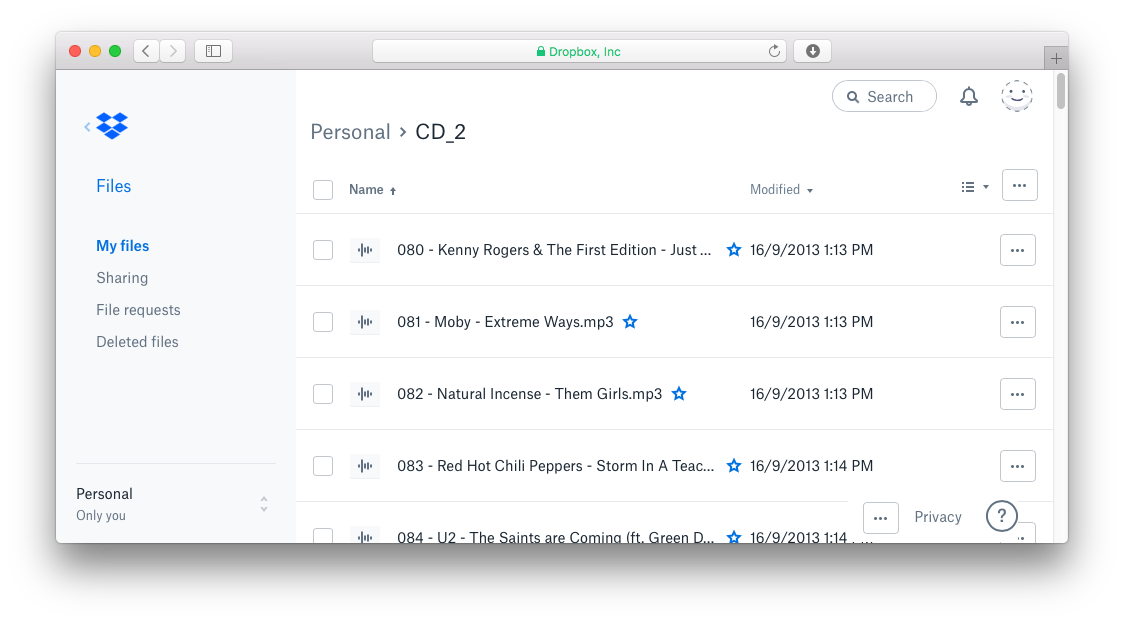
Start by registering and signing into your Dropbox account using a desktop web browser. Install the Dropbox app on your computer and transfer your audio tracks to the Dropbox folder. It may take some time to sync all your data to the server.
Install Evermusic App
Get Evermusic:
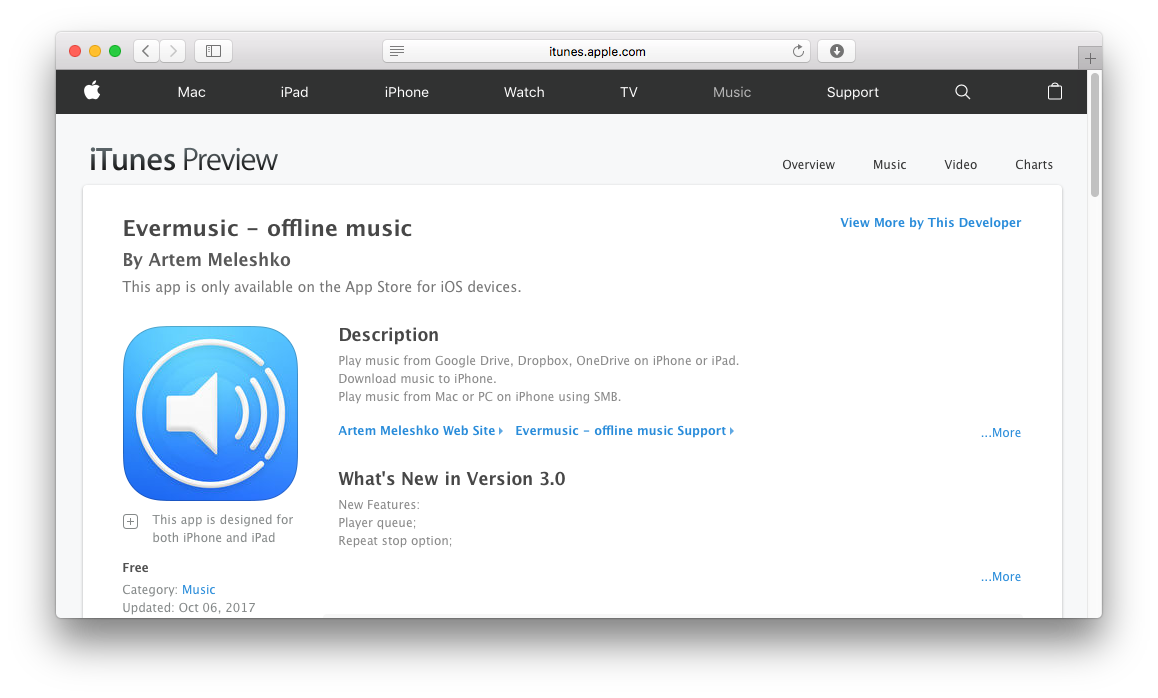
Evermusic is absolutely free and available for both iPhone and iPad, compatible with devices running iOS 8.0 or later.
Connect Your Dropbox
Once Evermusic is installed, open the Connections tab → Connect a cloud service, select Dropbox from the list of available cloud accounts, and add your account. You can authorize using the native app or a web form with login and password. This connection is secure, and Evermusic does not access your account or data.
Enjoy Your Music
Limitless Music Library
Connect unlimited cloud accounts. Evermusic scans connected storages for audio files (MP3, WAV, and more), and all found tracks appear in the Music Library tab. Just tap to play.
Enhance Your Listening Experience
Evermusic features a built-in 10-band equalizer with presets, preamplifier, and bass booster. Audiobook fans can use audio bookmarks and playback speed controls. There’s also a sleep timer, lock screen controls, and streaming support for Google Chromecast and Apple TV.
Download for Offline Playback
Offline Access
Download your favorite tracks for offline playback by selecting Download in the options menu. Evermusic also includes a player cache — all recently played files are accessible offline from the Files section. Offline playlists are available too; just enable Available Offline for any playlist.
Edit Audio Files Like a Pro
File Management
Evermusic is also a full-featured file manager supporting basic operations: rename, move, delete, upload, and download. Manage your music library efficiently and clean up duplicates. It also includes an ID3 Tags Editor, so updating song metadata is easy.